



Customize Equipment
with Live Preview
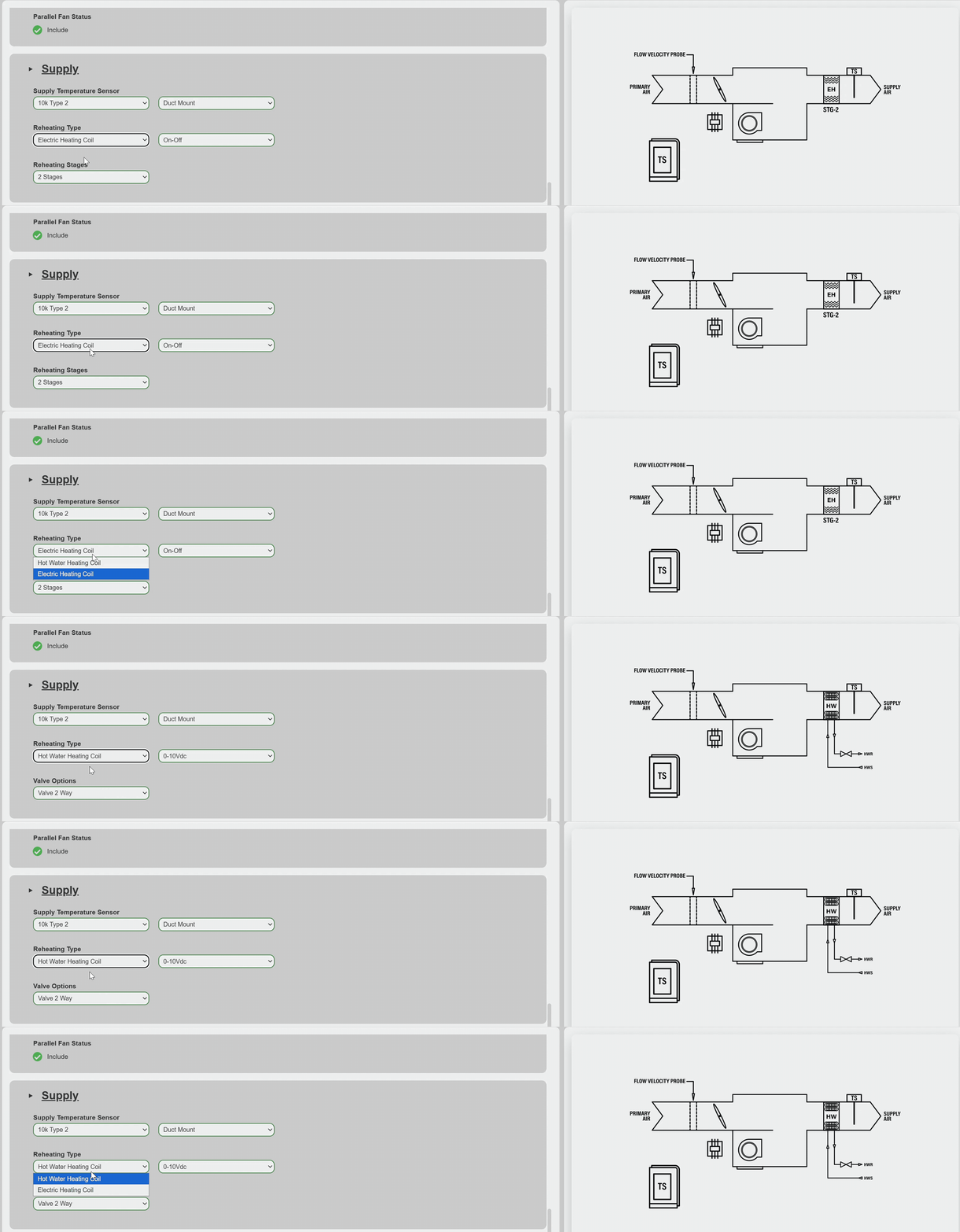
Modify equipment details and instantly see updates in a live preview.

Your all-in-one tool for creating, customizing, and exporting equipment with ease.
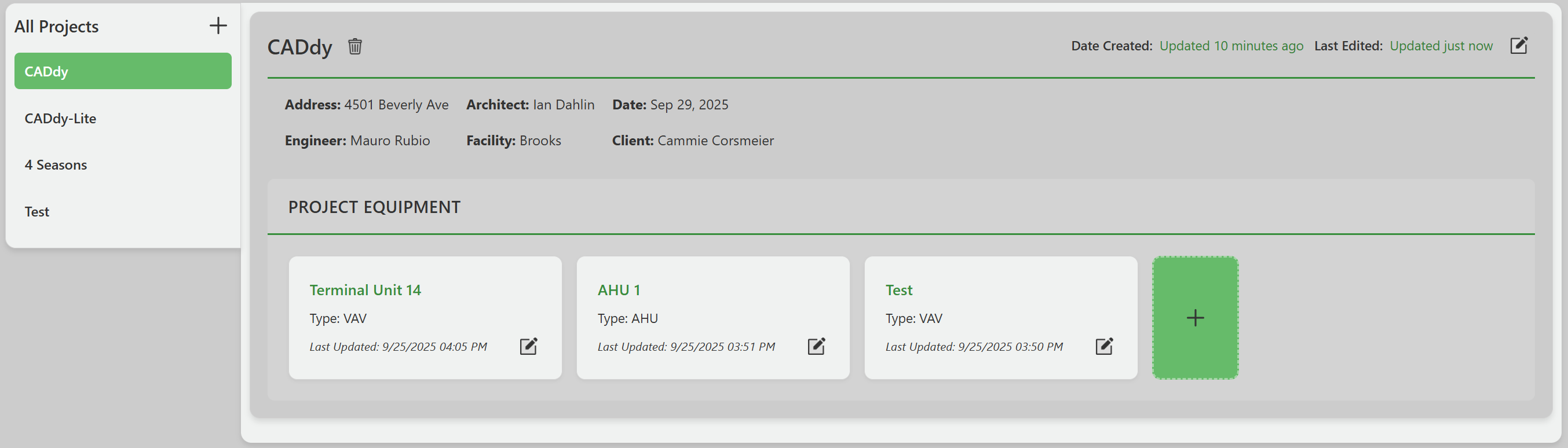
View and organize every project in one place, with its equipment, details and history a click away.
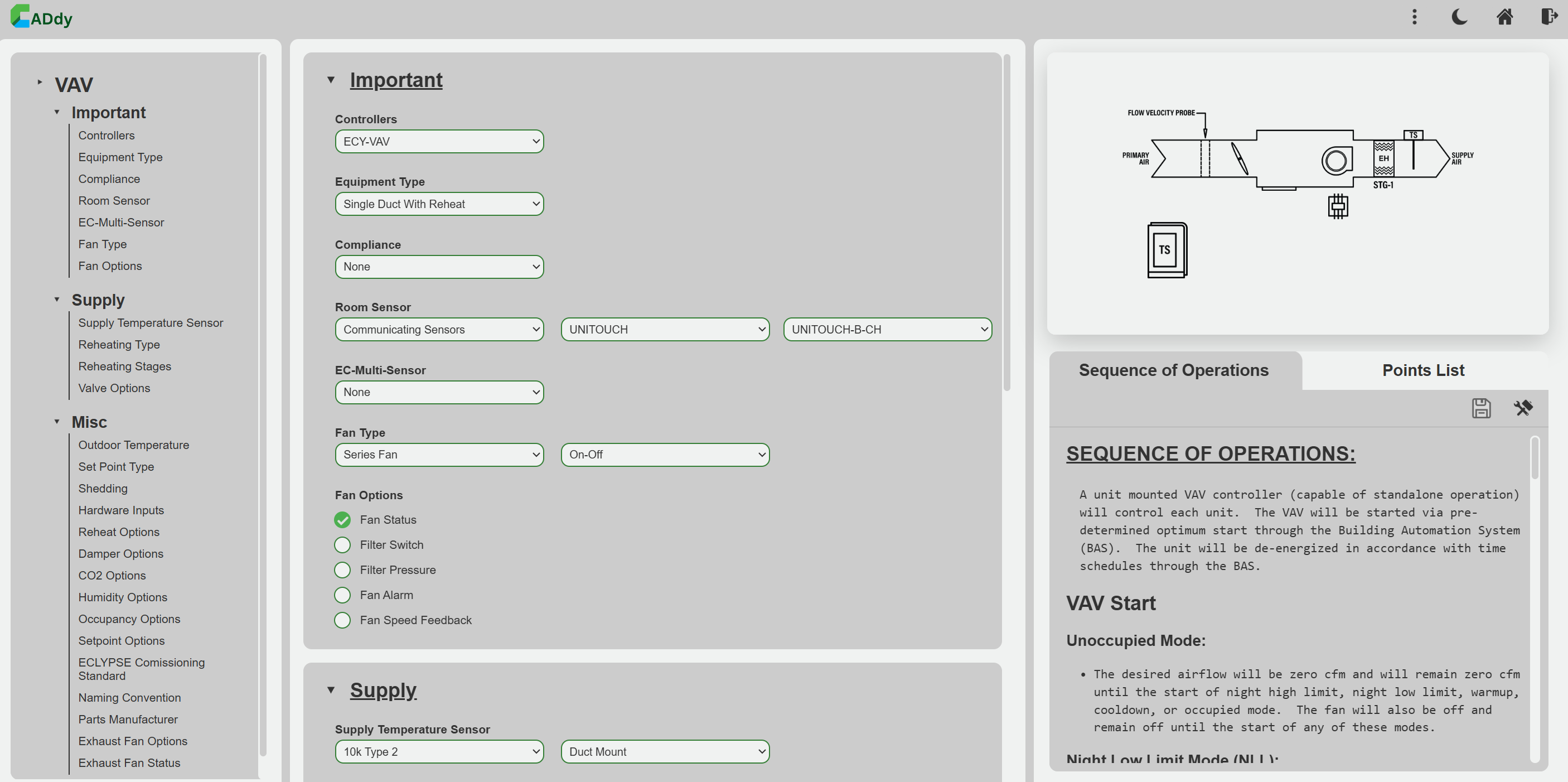
Modify equipment details and instantly see updates in a live preview.
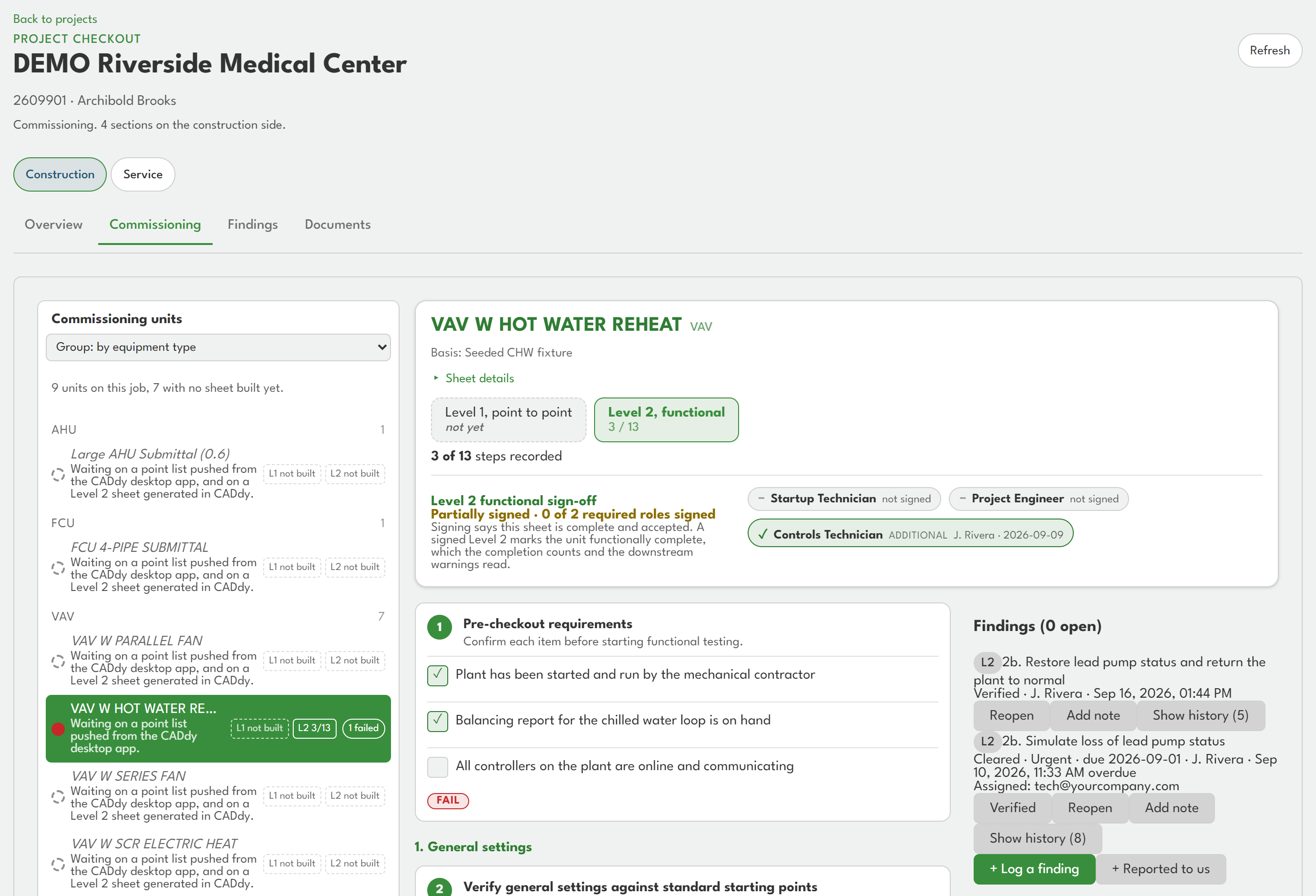
Walk every unit's checkout sheet on site, record results and findings, and see where the job stands at a glance.
Released commissioning reports and approved submittals, in one place your customer can open and download.
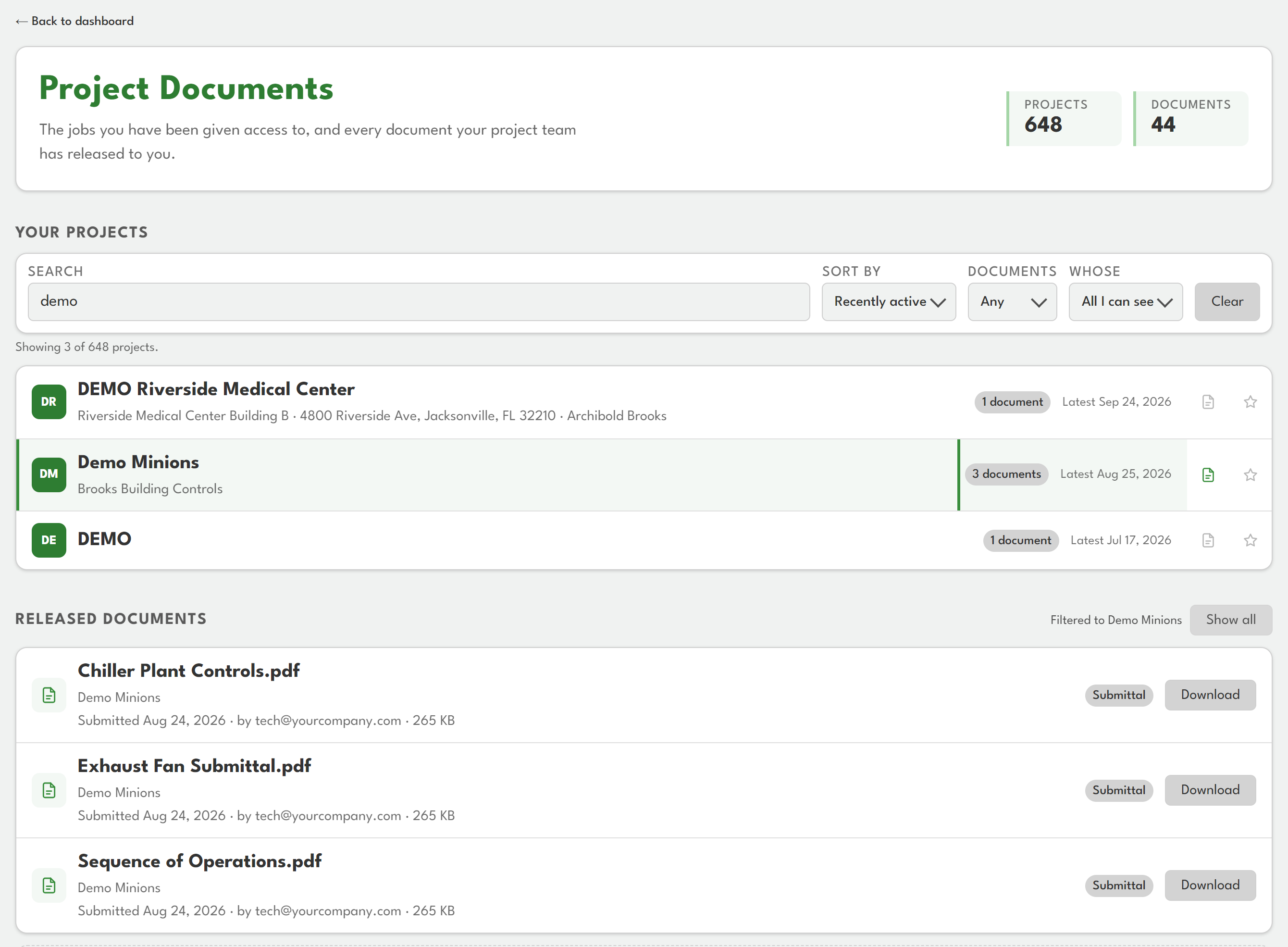
CADdy streamlines your workflow by automatically generating essential outputs.
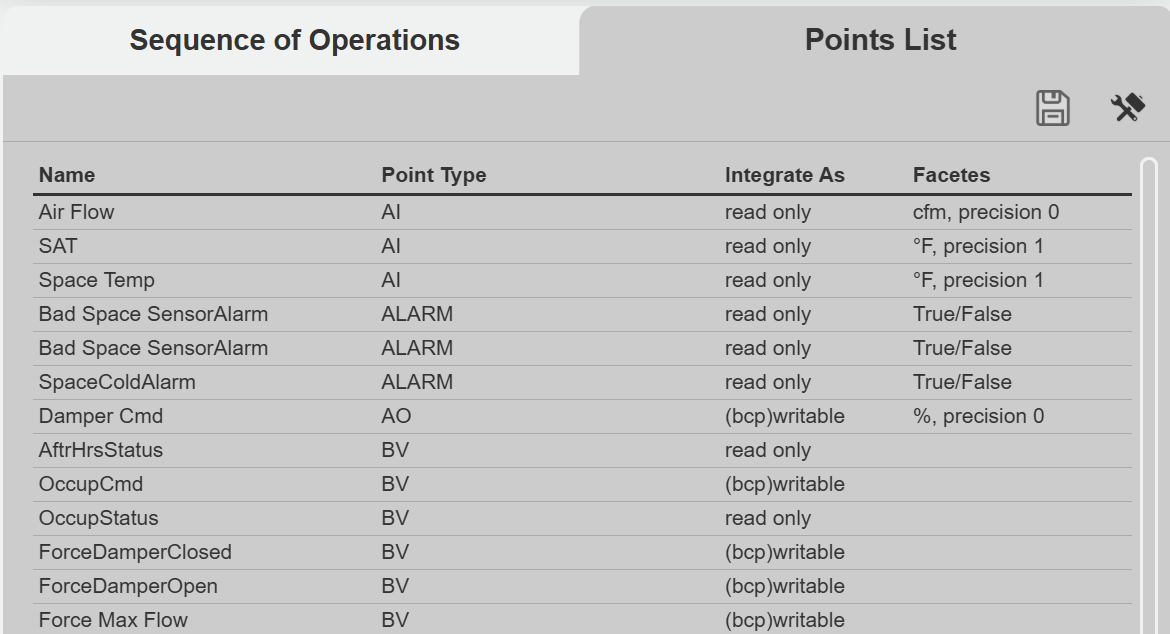
Get a complete points list instantly, ready for integration and review.
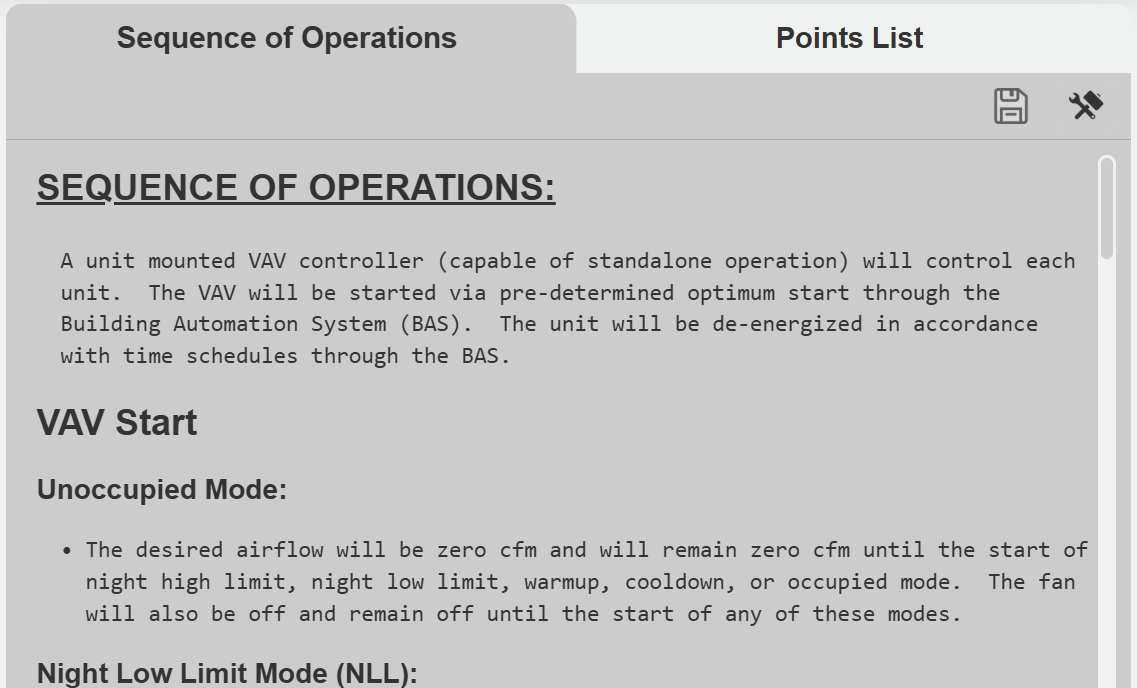
Automatically generate sequences tailored to your project's equipment.
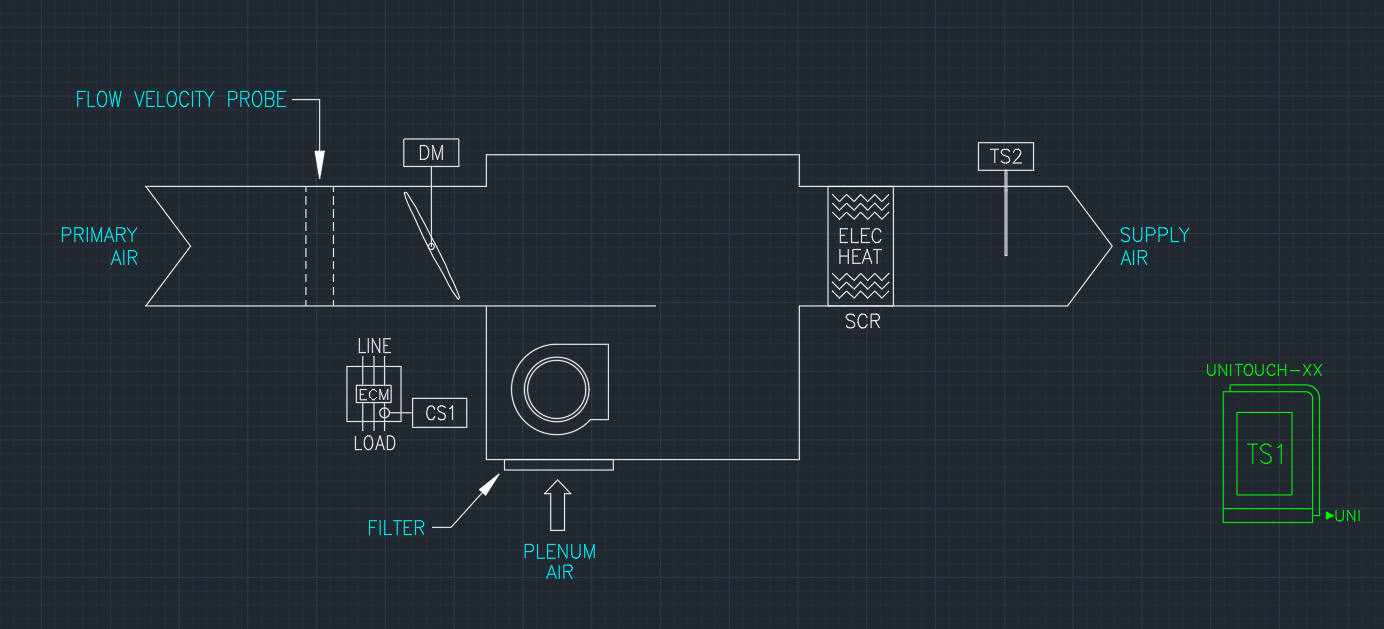
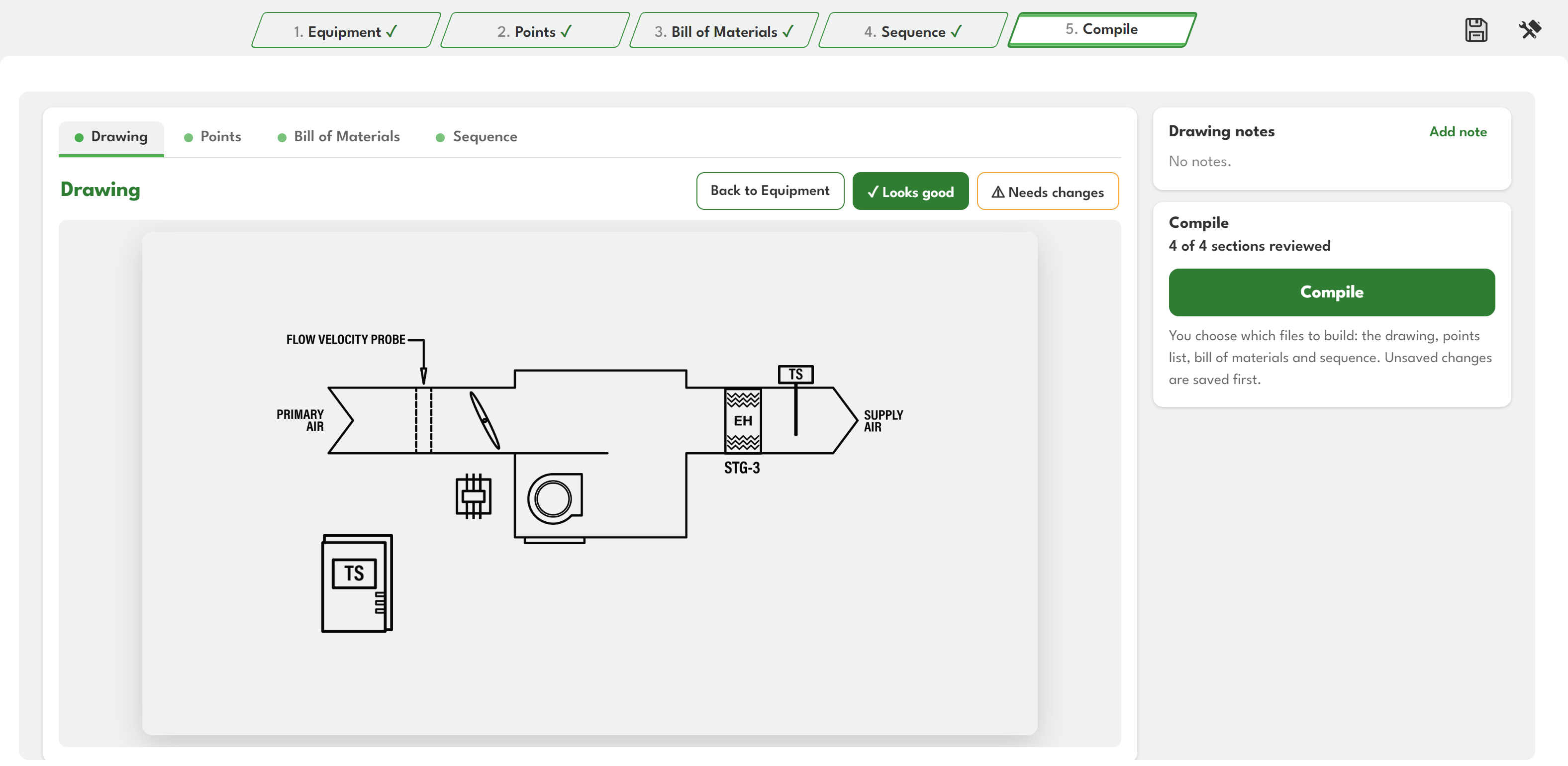
Export professional AutoCAD drawings of your equipment with one click.
Walk each unit step by step, from equipment to points, bill of materials and sequence, then build every file you need in one go.
Everything around the job lives in CADdy Lite too.
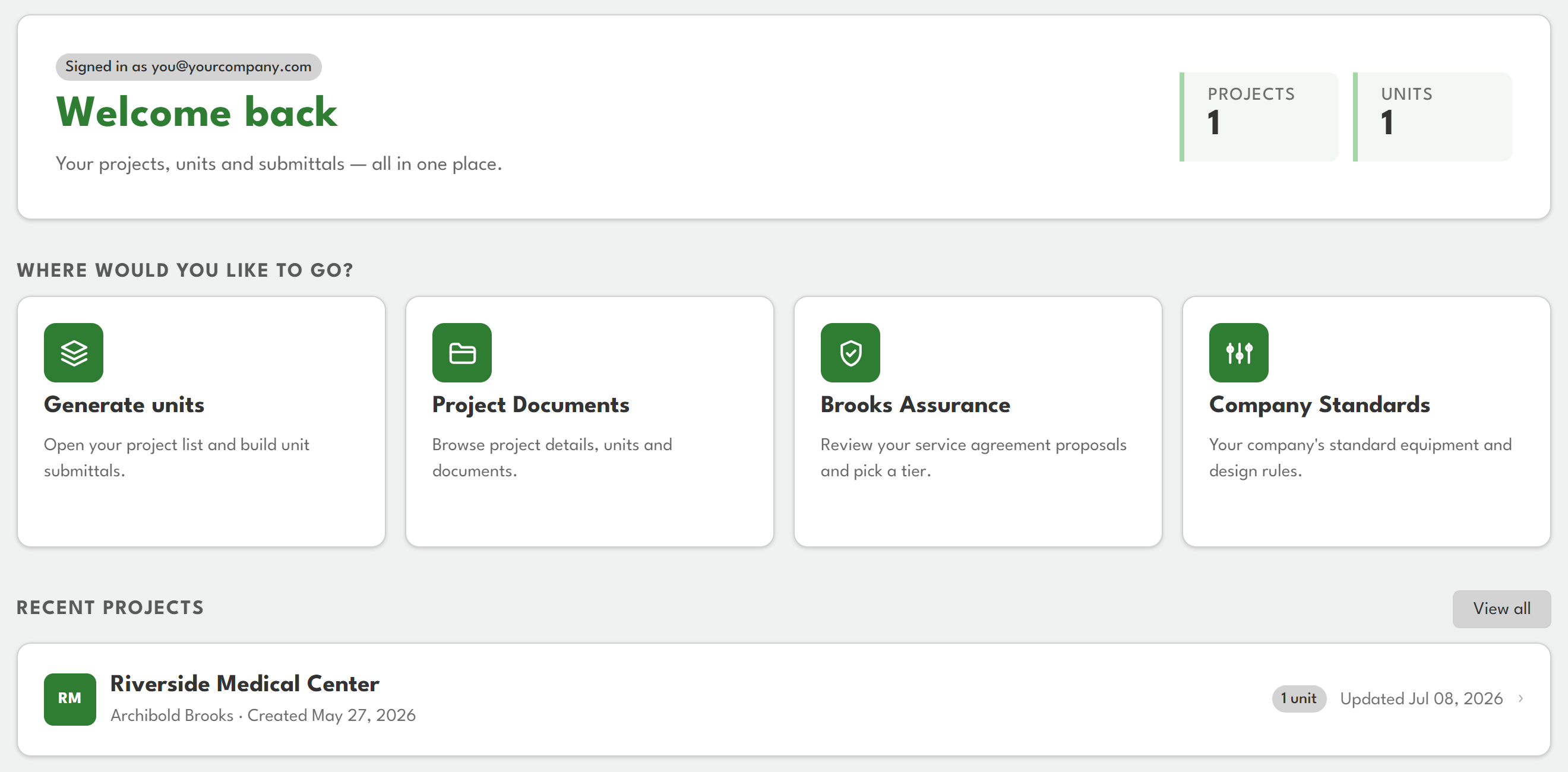
Everything you have access to, from one home screen.
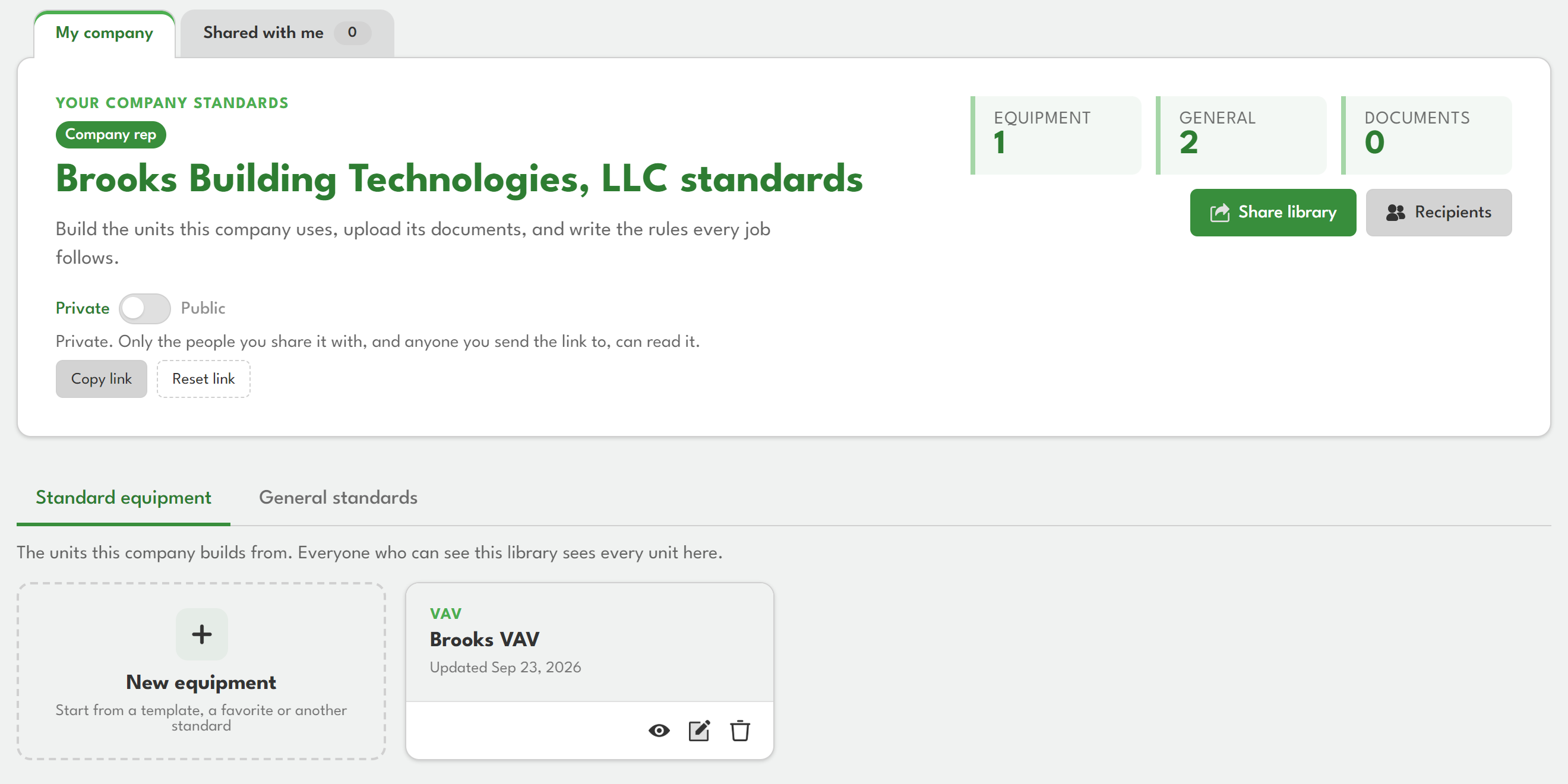
Keep your company's equipment standards in one shared library.
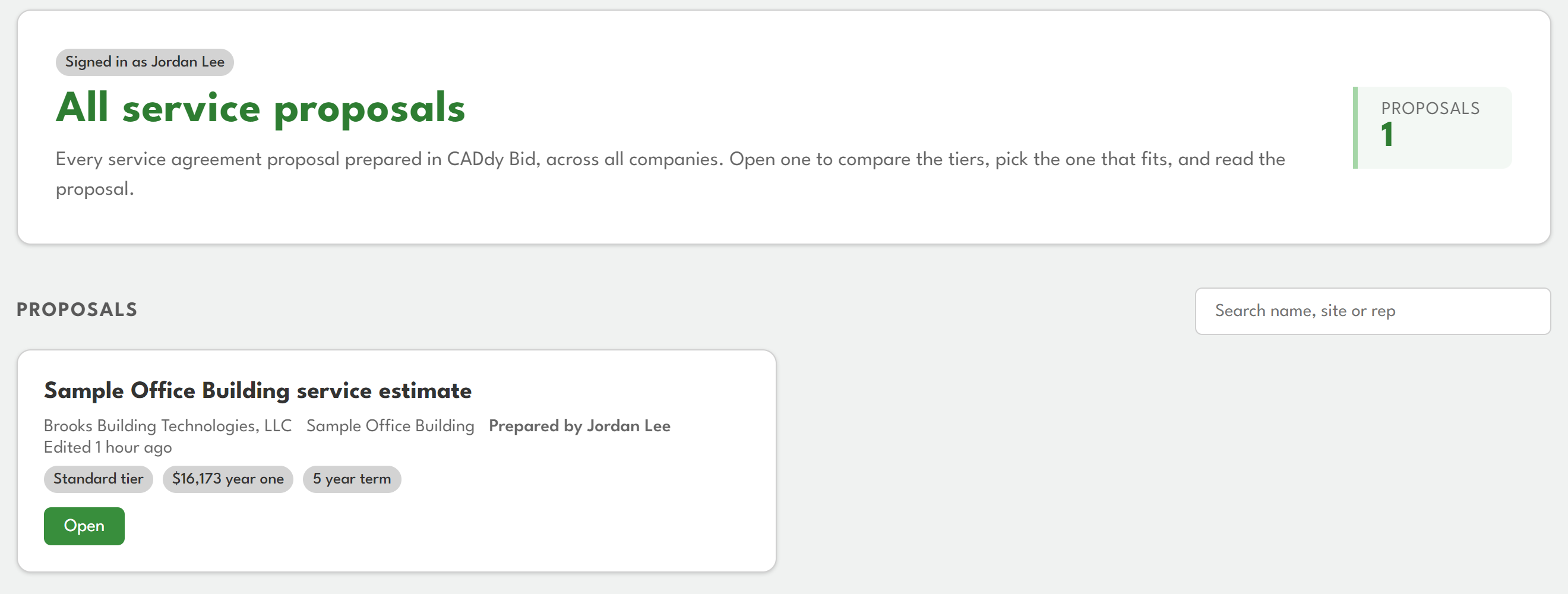
Review and accept your service proposals online.